
Invite a User:
- Log in to the VORTEX web interface (https://portal.vortex.vivotek.com/#/login). Click to select User Management.
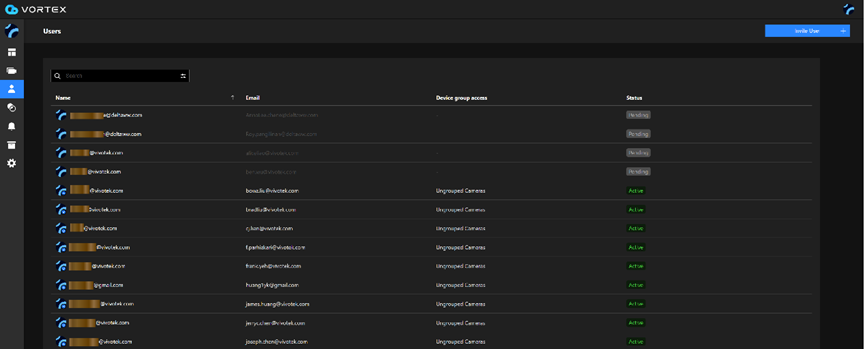
- Click on Invite User.
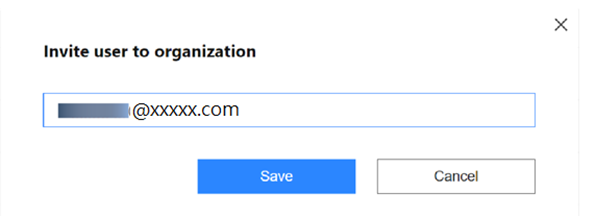
- The invited user should receive the following Email, and he/she should create a VORTEX account in order to log in to the VORTEX web console to view camera feeds.
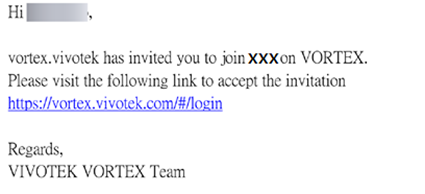
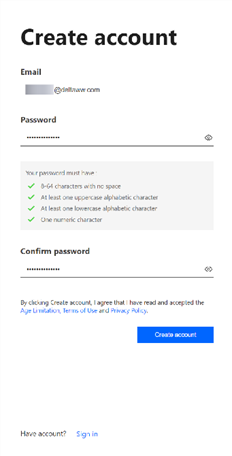
4. The invited user should then log in to create a VORTEX account. Click Create account.
Enter a valid Email address and password.
- A message will inform you that an Email has been sent to the invited user.
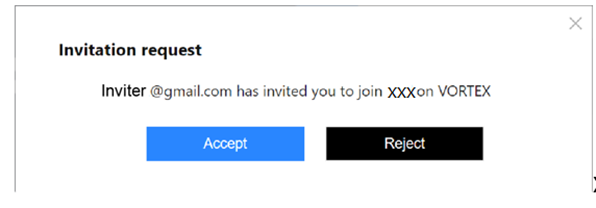
6. The invited user will receive the following Email. He/she should then click to confirm the invitation.

7. Click Accept to confirm the invitation.
Creating a Group
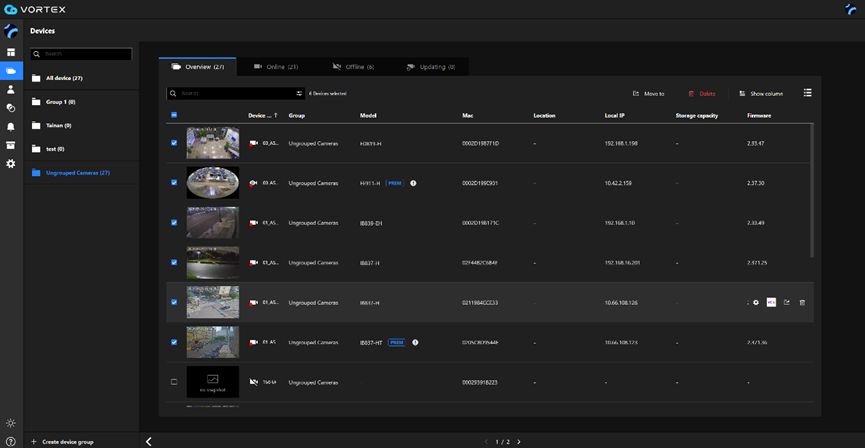
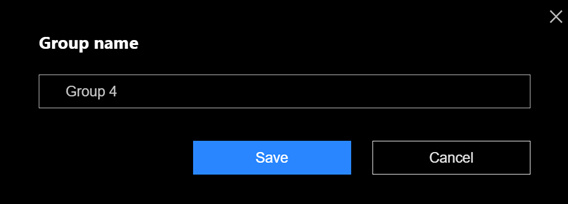
- Click the Device menu. Click Create device group.
Enter a name for the group.
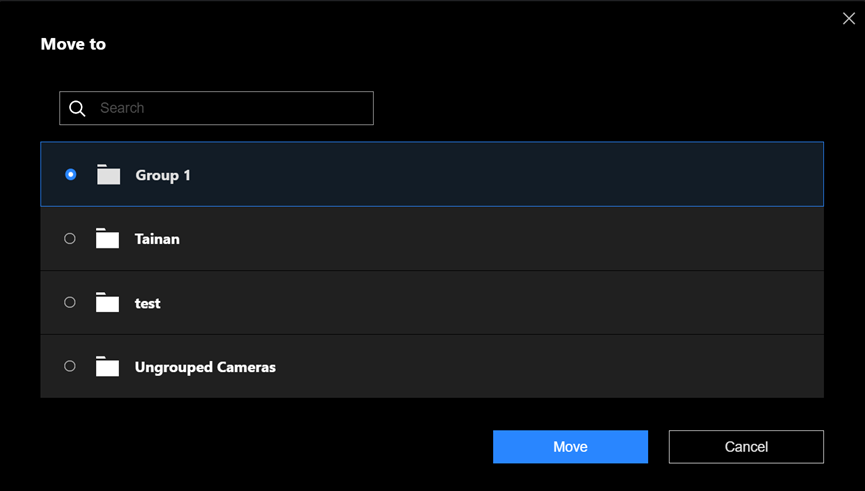
- You can select the existing devices by clicking the device checkbox in front of them and click the Move to button.
Comments
0 comments
Please sign in to leave a comment.